
Enterprise security and compliance.
Audit Logs.
Track every action across your organisation. Know who did what, when, and why - with detailed history and powerful filters.
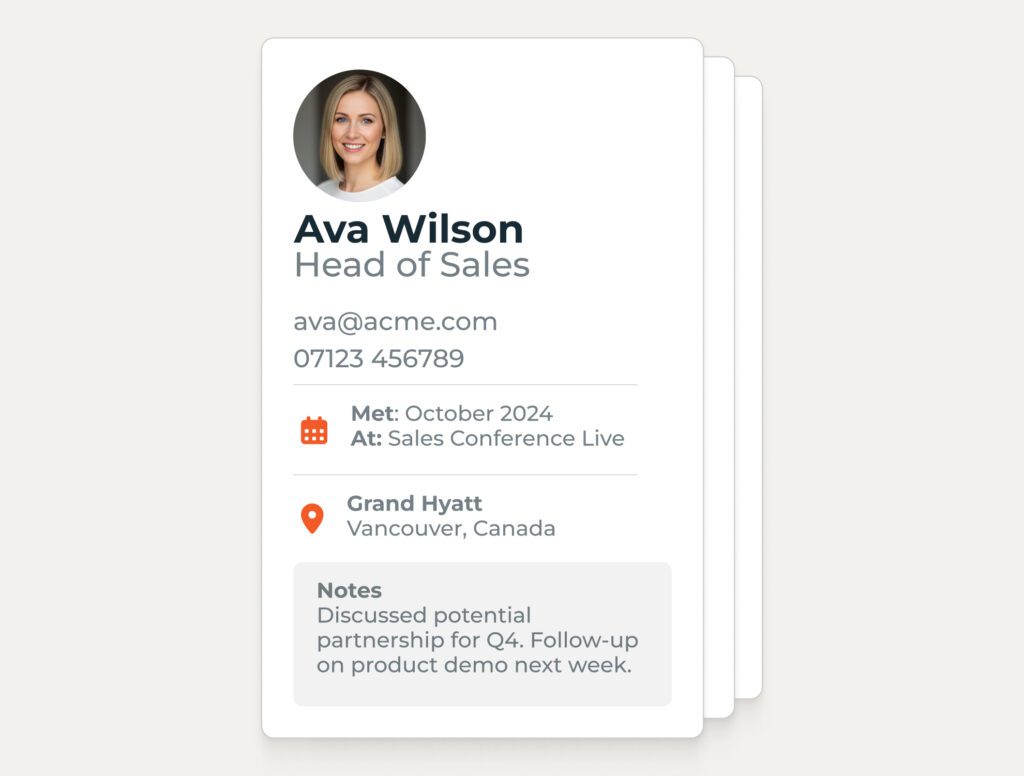
Complete visibility, always
Every change, every login, every update – recorded automatically. No more wondering who edited a profile or when an integration last synced. The answer is always there when you need it.

Find what you need in seconds
Filter by person, action type, date range, or integration. The same intuitive filters you use elsewhere in the portal – now applied to your entire activity history.
Compliance-ready from day one
Auditors ask questions. You need answers. Detailed logs with timestamps and user attribution give you the evidence trail that regulators and security teams expect.
Every action. Every user. Every detail.
Comprehensive Tracking
Nothing slips through the cracks.
- Profyle creation, edits, and deletions logged automatically
- Integration activity tracked for every CRM sync
- Login history recorded with location and device info
- Permission changes captured with before-and-after states
- Webhook deliveries logged with status and response codes
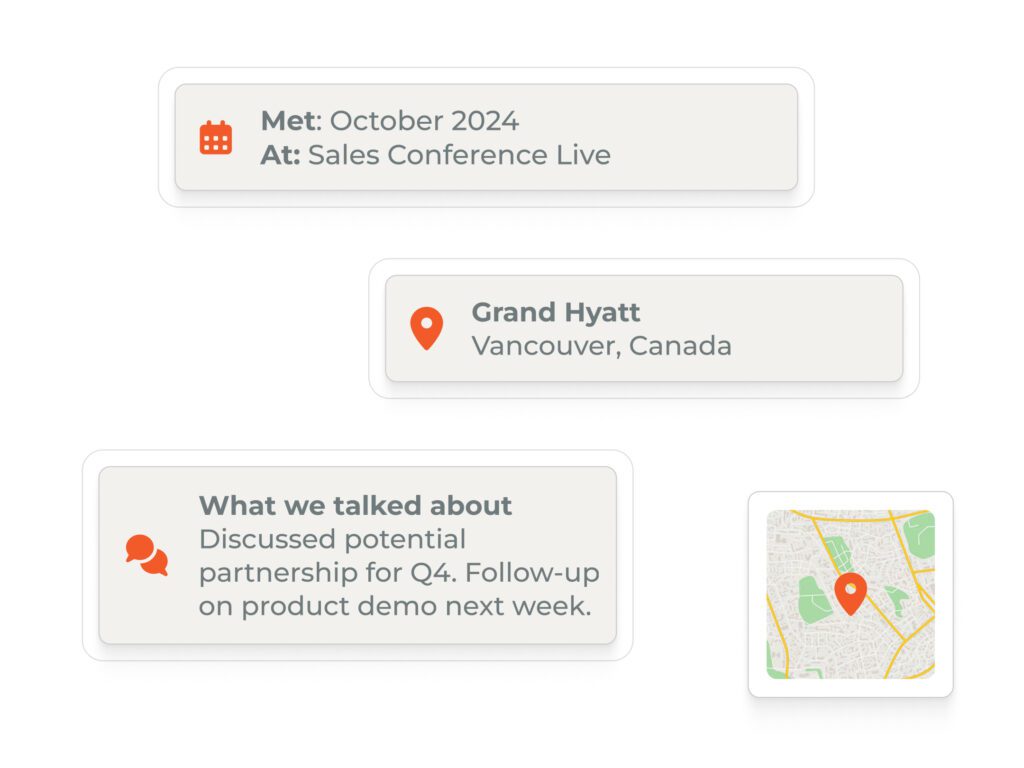

Powerful Filtering
Cut through the noise.
- Filter by user, action type, or date range
- Consistent interface with filters used across the portal
- Combine multiple filters for precise results
- Clear visual layout that’s easy to scan
- Familiar, intuitive controls you already know
Integration Activity Logs
CRM sync visibility, per integration.
- See every record synced to HubSpot, Salesforce, Pipedrive, Dynamics 365, or Zoho
- Track success and failure rates by integration instance
- Diagnose sync issues with detailed error information
- Separate activity logs for each connected integration
- Full history for troubleshooting and reporting

How teams use Audit Logs.
-
Security InvestgationWho accessed a profile, when, and from where
-
Compliance AuditTimestamped evidence of data handling and access
-
CRM TroubleshootingWhy a contact didn’t sync – and when it last tried
-
Offboarding reviewConfirmation that a leaver’s access was revoked
-
Permission reviewWho granted admin rights and when
Ready to see everything?
Start a free trial and explore audit logs for your organisation. No credit card required.
Frequently asked questions.
Your full activity history is retained for as long as you’re a Profyle customer. There’s no rolling window or automatic deletion.
Yes. Filter to the records you need, then export to CSV for external analysis or compliance reporting.
Only organisation admins can view audit logs. Individual users cannot see organisation-wide activity.
Yes. Every CRM sync – successful or failed – is logged with timestamps, record details, and error information where applicable.
Note that CRM logs are only retained for 28 days.
Absolutely. Filter by user to see everything they’ve done – profile edits, logins, integrations, and more.