

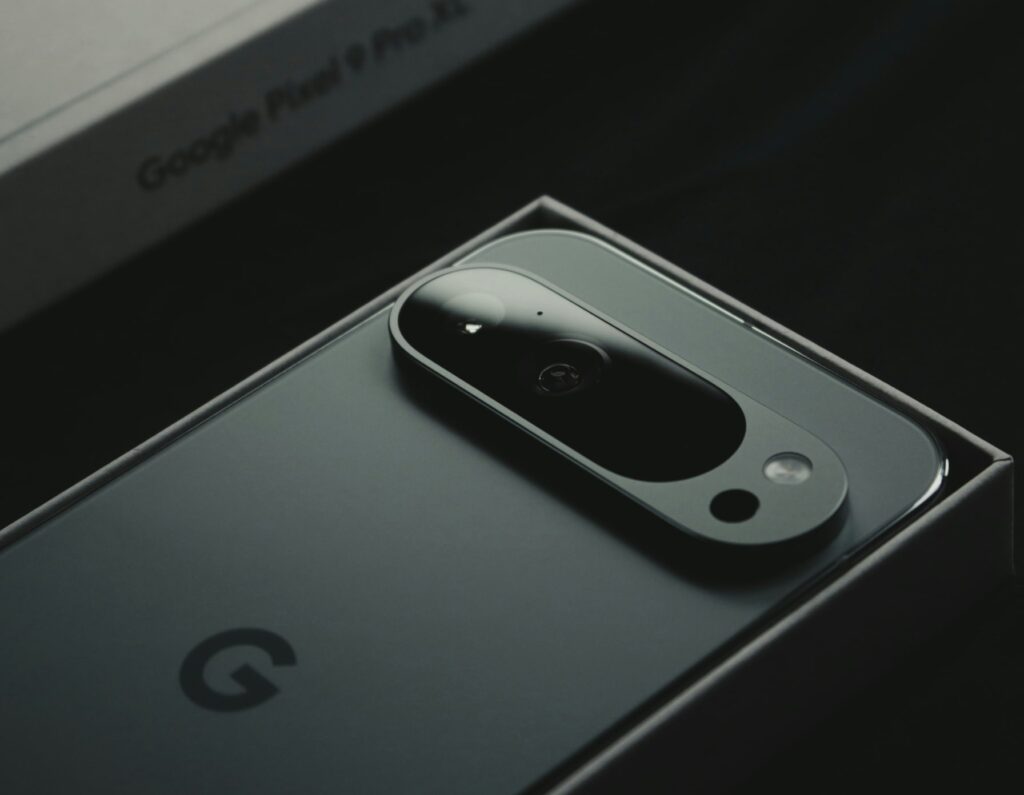
An Android Phone from Google

Google Wallet Business Cards: #1 Networking Tool for Android

Your phone already holds your credit cards, plane tickets, and loyalty cards. Now, it can hold your business card too.

Profyle has just launched Google Wallet integration, making it easier than ever to share your contact details. Instead of carrying a stack of paper business cards, or searching through emails for your info, you can now store your Profyle digital business card inside Google Wallet.

How a Google Wallet Business Card Works

With one tap, your card is ready to share. No extra apps. No complicated setup. Just a faster, smarter way to connect.

What’s New?

  • One-Click Add to Google Wallet – Save your Profyle Card in seconds.
  • Instant Sharing – Open Wallet, tap your card, and share via QR code or NFC.
  • Always Up to Date – If your details change, your card updates automatically.
  • Perfect for Teams – Businesses can send Google Wallet-ready cards to all employees at once.

Profyle users have been asking for Google Wallet support, and now it’s here. This guide will walk you through everything you need to know, from adding your card to sharing it like a pro.


How Profyle’s Google Wallet Business Cards Work

Imagine reaching into your pocket and finding it empty, no wallet, no cards. Yet, with just your phone, you can still share your professional details effortlessly. This is the convenience of adding your Profyle digital business card to Google Wallet.

Three Simple Ways to Add Your Profyle Card:
  1. From the Welcome Email:
    • Open the Email: Upon signing up with Profyle, you’ll receive a welcome email.
    • Tap ‘Add to Google Wallet’: Click the button provided in the email.
    • Confirm Addition: Follow the on-screen prompts to add the card to your Wallet.
  2. Using the Profyle Toolkit:
    • Access Your Account: Log in to your Profyle account.
    • Navigate to ‘Add to Google Wallet’: Locate this option in your dashboard.
    • Add the Card: Click the button and follow the instructions.
  3. Through a Direct Installation Link:
    • Receive the Link: Admins can generate and send a direct link to employees.
    • Click the Link: Open it on your Android device.
    • Add to Wallet: Follow the prompts to add the card.


Benefits of Profyle’s Google Wallet Business Cards

  • Instant Access: Your business card is always available on your phone.
  • Seamless Sharing: Share your contact information effortlessly via QR code or NFC.
  • Eco-Friendly: Reduce paper waste by going digital.
  • Professional Appearance: Present a modern and tech-savvy image.

With Profyle’s Google Wallet business cards, your professional identity is always at your fingertips, ready to share in an instant. Create your free Profyle digital business card and add it to Google Wallet: Profyle Sign-Up.

Sign up for our free 45-day trial and experience the future of networking today. Embrace efficiency, embrace sustainability, embrace the future with Profyle Card. Don’t forget to follow us on LinkedInInstagram and Twitter

Meet smarter. Connect better. Grow faster.

Platform

Contactless NFC Card
Custom-branded cards let your team share info instantly, just tap or scan.

Digital Business Card
Your details, unlimited updates. Never print business cards again.

Landing Pages
Add rich media and create unique layouts for digital, mobile wallet.

Admin Portal
Manage cards, subscriptions & layouts from a simple, secure portal.

Sales Enablement
Capture every contact and follow up automatically. No opportunity lost.

Brand & Marketing
Lock in essentials, let staff personalise the rest. Update all in seconds.

Event ROI
Events cost thousands. Track every lead back to the event that earned it.

Employee Engagement
No more waiting weeks. Give new hires a card ready for day one meetings.

Sustainability
88% of paper cards are binned in a week. Go digital, track ESG impact.

Data Security
Contacts are a business asset. Keep them secure, compliant, and in-house.